
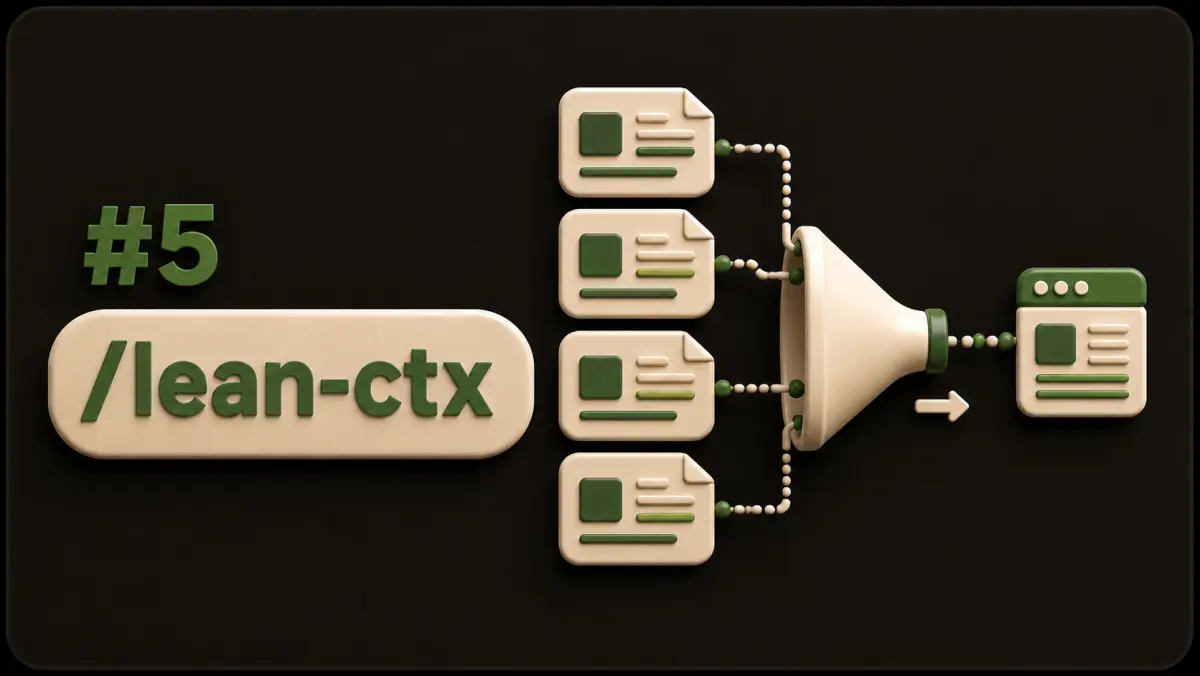
Compress agent context before you code, or watch a competent model answer from the loudest file it happened to open. Your engineer asks about a login bug. The agent globs half the repo, reads five files end to end, pastes a test log, and then invents an API that never existed. Each step looked thorough. Together they buried the one function that mattered.
lean-ctx is the toolset I use for that discipline: orient with a ranked compose, search with intent, read in a mode that matches the job, expand only what the edit needs. The lean-ctx docs and the open-source project describe the same idea in tool form. LangChain calls the broader practice context engineering and groups the tactics into write, select, compress, and isolate in their post on the topic. This tip is how I apply select and compress inside a normal IDE loop without standing up a framework.
Compose first
ctx_compose belongs first on any "how does this work" or multi-file task. One call returns ranked files with the relevant symbol source inline, which replaces the search, then read, then symbol lookup chain that agents fall into by default.
Give it the task in plain English. "Auth refresh failure on mobile" beats "look around the auth folder." Compose ranks on lexical signal, semantic signal, and structure, so you get a map with code attached, and from there you either edit or expand one file in anchored mode.
Three rules I put in the skill file:
- Skip the search-read-symbol chain when compose answers the question.
- Never re-read a file compose already returned in full for that symbol.
- Fire parallel calls for unrelated areas instead of serial curiosity tours.
Read modes that match the job
- map or signatures for the API surface when you only need exports
- task for the lines relevant to the stated job
- aggressive for large files with syntax noise stripped
- anchored for full text plus anchors when you plan to patch
- lines:N-M for surgical ranges once you know the span
- diff after edits, for changed lines only
- full when fidelity outranks tokens
Curiosity reads should never default to full. Save it for the file you are about to change, or for a bug that turns on exact whitespace.
Search with an action
Regex finds strings. Symbol search finds definitions. Semantic search finds meaning when you lack the name. A call graph finds callers. Match the action to the question.
"Where is hydrateTheme defined" is a symbol question. "How does theme boot relate to i18n" is a compose or call-graph question. "Who still hardcodes a hex color" is regex. Agents that run regex for everything build false confidence and miss the definition two folders away behind a re-export.
Shell output counts as context
Test logs, git status, and build traces eat windows faster than source files. Keep status summaries until a failure needs detail. Cap log tails to the failing suite. Strip decorative tables the human already read. Watch for mistaken globs that paste a dependency tree into the prompt.
An agent that dumps four thousand lines of test output spent the budget that should have bought a second look at the failing assertion.
Write, select, compress, isolate
Write means decisions live outside the chat: architecture notes, skill files, memory, ticket comments. The window is not your filing cabinet.
Select means compose and symbol tools pull the few files that matter, and your rules select instructions the same way.
Compress means read modes, log tails, and session summaries keep the history short.
Isolate means research and edits get separate threads. Tip 4's ponytail isolates the scope of the diff the same way. When one session mixes research, a design debate, and a production patch, split it.
Team rules that stick
1. Call compose before broad reads on multi-file tasks. 2. Prefer signatures or task mode until an edit needs anchors. 3. Allow one full-file curiosity read, with a stated reason. 4. Shell summary first, full log only on failure. 5. Name the files you will change before changing them. 6. When the window feels full, write decisions to memory and open a fresh thread for the patch.
Reviewers can ask for the compose output or the file list in the pull request description, which creates the social check without new infrastructure. Leave one line in AGENTS.md: orient with compose before broad reads, prefer task or signature modes until you patch. That sentence outlives every workshop.
One task, two diets
The dark mode icon stops updating after setMode. The dump approach reads all of app.mjs, every theme file, the header markup, and half the vendor directory. The compressed approach composes "theme mode toggle icon refresh", lands on setMode, hydrateTheme, and the header icon updater, reads those three symbols, and patches the chrome refresh in one pass.
Same repository, same bug, and a bill that differs by an order of magnitude.
Ship the habit this week
Add the six rules to your agent skill, run compose as the first call on the next three multi-file tickets, and track retries. Minimal diffs depend on clean context, since ponytail cannot reuse a helper the agent never saw. When every chat still starts from zero, tip 6 covers how to persist codebase knowledge across AI chats so decisions survive the session.
If you want lean-ctx wired into your team workflow, book a call. More notes live in the tips index.
Sources
- lean-ctx docs
- lean-ctx on GitHub
- Context engineering for agents (LangChain)
- Context engineering in agents (LangChain docs)
Want lean-ctx wired into your team workflow
Book a callFAQ
What does lean-ctx do for coding agents?
It compresses file reads, search results, and shell output so agents get ranked symbols and task-relevant slices instead of full dumps that burn the window.
Is context compression the same as summarization?
Related, and different. Summarization rewrites history. lean-ctx changes how tools return code and command output through modes, caching, and ranked compose.
When should I still read a full file?
Read full or anchored when you will edit that file, when the bug depends on exact formatting, or when compression hid a symbol you need. Compose first, then expand.
Does compression hurt accuracy?
Bad compression does. Good compression drops repetition and off-task files while keeping the critical path intact. Measure with escaped defects and retry rate.
Our framework already summarizes. Why add lean-ctx?
Chat summaries and structured code reads solve different problems. Keep compressed tool output for live code and summaries for long thread history.